
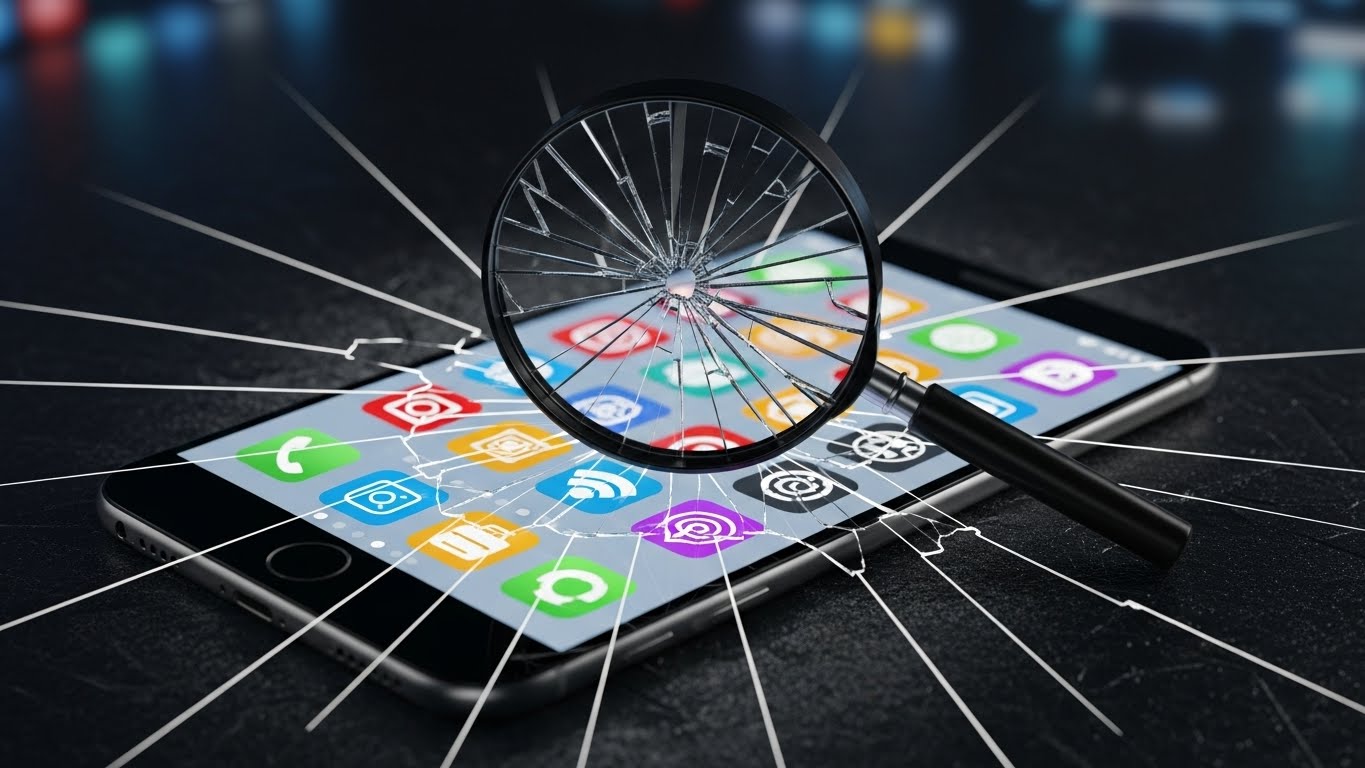
If the App Store were a library, the shelves would be rearranged every hour, the index would hide the best books behind vague keywords, and the staff would only recommend titles from last week’s display. It works for trending hits. It fails quiet, useful tools—the ones most indie devs build.
This isn’t a rant. It’s a field guide to what’s broken, why it stays broken, and the systems that let you win anyway.
Symptoms users feel (and why they bounce)
- Intent mismatch: Search “calendar notes” and get generic calendar apps, not tools that attach context to events.
- Recency bias: Fresh updates surface; durable utilities sink if they don’t play the weekly update game.
- Category blur: “Productivity” contains everything from clipboards to CRMs; comparison is impossible inside the store.
- Thin pages: Screenshots and vague “What’s New” copy; little proof of outcomes or use cases.
Why discovery breaks by design
- Incentives: Stores optimize for revenue, safety, and support costs—not niche fit.
- Data limits: Apple/Google can’t see your in‑app outcomes; they infer quality from weak proxies (ratings recency/volume, crash rates).
- Ambiguity: Many useful tools don’t match obvious keywords; the store can’t model intent without artifacts.
- Supply flood: Thousands of updates weekly; noise drowns signal unless you ship discoverability assets.
What actually moves visibility (the levers that are real)
- Recent ratings on current version (not lifetime average)
- Update cadence (weekly/biweekly beats quarterly for rankings)
- Retention (crash‑free sessions, uninstalls, refunds)
- Regional performance (locale‑matched metadata and screenshots)
- External demand (search traffic and links to your site and docs)
Why this punishes indie utilities
- You don’t ship empty updates just to tick the box.
- Your users are loyal but quiet; they don’t naturally leave ratings.
- Your app solves intent that search doesn’t understand (“attach notes to calendar,” “generate changelogs”).
So: don’t wait for the store to discover you. Manufacture discoverability.
A practical blueprint that works (even if the store doesn’t)
- Treat your listing like a landing page
- Title: lead with job‑to‑be‑done; subtitle: explicit outcome.
- First two screenshots: show the job, not the UI; add captions.
- “What’s New”: write one human sentence that ties to a benefit.
- Ship on a cadence you can sustain
- Weekly/biweekly updates with real changes; include a human changelog.
- Move ratings prompts to success moments (never first run).
- Localize for top locales early
- Translate title/subtitle and captions; show locale‑matched screenshots.
- Adjust copy to expectations (e.g., “diary” vs “notes” nuance).
- Build borrowed discovery outside the store
- Integrations: Slack, Notion, Linear, GitHub—listings have traffic.
- Templates and public pages: generate shareable artifacts with soft branding.
- Problem pages and comparisons: “Sync Apple Calendar to Notion,” “Raycast vs Alfred for devs.”
- Make activation inevitable
- Prefill demo data or one‑click templates; time‑to‑aha under 3 minutes.
- Instrument first_open → aha_action → invite → subscription.
- Ask for ratings at the right moment
- After the aha action; at spaced thresholds (3/10/25 successes).
- Never ask on a known‑bad build; pause during crash spikes.
Store copy that converts (steal this pattern)
- Title: “Attach notes to calendar events”
- Subtitle: “Meeting context auto‑linked to your schedule”
- What’s New: “Notes auto‑attach to meetings from invites; faster search. Try it on your next call.”
- Screenshot captions: “See context next to time,” “One‑click capture,” “Share recap from the app”
Case briefs: indie apps winning despite the system
- The weekly heartbeat
- A macOS utility moved from 4.2 → 4.7 average rating by:
- Prompting reviews after “copy to clipboard” success
- Shipping weekly performance and UX fixes with human changelogs
- Localizing screenshots and subtitles in three top locales
- Borrowed discovery
- A small automation app grew trials 68% by:
- Shipping a Linear → Notion sync with a marketplace listing
- Publishing two problem pages and a 90s demo
- Adding “powered by” footers on public templates
- Intent clarity
- A calendar tool stopped “generic” searches bleeding by:
- Renaming title to the job (not brand)
- Adding captions that show outcomes
- Writing “What’s New” for humans, not release notes
Instrumentation: prove to yourself this works
Minimal metrics
- Store page conversion (% who tap Get after viewing)
- Ratings volume per WAU, average rating (current version)
- Trials from external pages (UTM source/medium/campaign)
- Activation rate: aha_action within 7 days
- 4‑week retention by acquisition cohort
Weekly ritual (45 minutes)
- 10m: Review store metrics and ratings; reply to 1–3★
- 15m: Ship small fix or UX polish; update “What’s New” copy
- 10m: Publish one artifact (clip/problem page/template)
- 10m: Outreach to one partner or community with that artifact
The uncomfortable truth (and your advantage)
The App Store will always prefer hits and heuristics. Your advantage is that you can build the discoverability assets the Store doesn’t: problem pages, integrations, templates, clips, and human copy. If you act like a small media company for your app—shipping weekly stories tied to outcomes—you don’t need the Store to “find” you. People will.
Related reads
Checklist (copy/paste)
Final thought
App Store discovery isn’t built for you—and that’s fine. Build your own. Make the job‑to‑be‑done obvious on your listing. Ship weekly proof. Borrow audiences that already exist. Ask for ratings at the right moment. Most importantly, lead with outcomes in every artifact you publish. Discovery is broken; your system doesn’t have to be.
Leave a Reply
You must be logged in to post a comment.