
Category: macOS

macOS (previously Mac OS X and later OS X) is a proprietary graphical operating system developed and marketed by Apple Inc. since 2001. It is the primary operating system for Apple’s Mac computers.

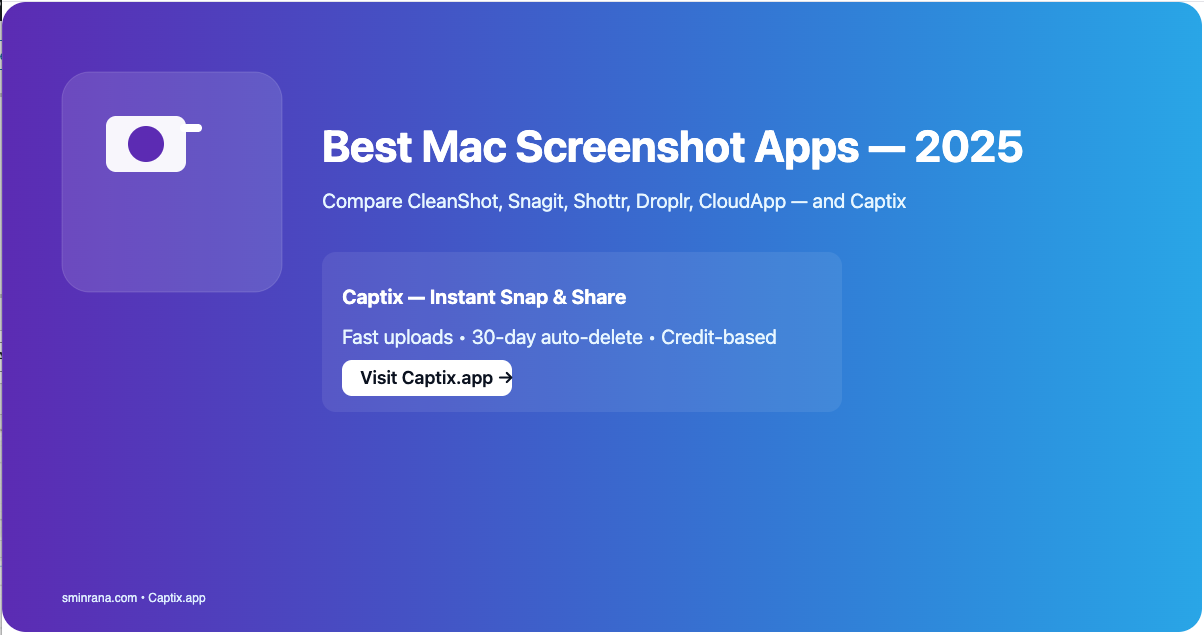
  • Best Screenshot Apps for macOS in 2026 (and Why Captix Is My New Favorite)

    Best Screenshot Apps for macOS in 2026 (and Why Captix Is My New Favorite)

    Taking quick screenshots is something every Mac user does daily — developers, designers, students, content creators, and even casual users. The built-in macOS tool is good… but if you need instant cloud upload, screen recording, or shareable links, you need more.

    CleanShot X

    Best for: Productivity power users — Price: $29 (one-time) or SetApp

    • Pros: Beautiful UI, annotations, scrolling capture, cloud sharing, screen recording
    • Cons: Costlier, subscription for cloud features, heavier

    Snagit

    Best for: Business users and educators — Price: $62.99

    • Pros: Advanced editing, templates, cross-platform
    • Cons: Overkill for fast sharing, expensive

    Shottr

    Best for: Fast lightweight captures — Price: Free

    • Pros: Extremely fast, OCR, pixel measurement
    • Cons: No cloud sharing, limited video support

    Captix — Instant Snap & Share

    Best for: Fast cloud sharing, lightweight workflows — Price: Free + optional credits

    Why Captix?

    • Instant cloud upload — link copied automatically
    • Screen recording & file uploads
    • Credit model — 25 free credits/month, $5 = 150 credits
    • Native macOS performance

    Droplr

    Best for: Team-based sharing — Price: $6/month

    • Pros: Simple link sharing, team management, analytics
    • Cons: Subscription only, more expensive for individuals

    CloudApp

    Best for: Enterprise & teams — Price: $9.95/month

    • Pros: Video/GIF support, analytics, security features
    • Cons: Pricey for casual users

    Comparison

    AppCloud UploadVideoPriceBest For
    CleanShot XYesYes$29Power users
    SnagitYesYes$62.99Documentation
    ShottrNoNoFreeSpeed
    CaptixYesYesFree + creditsFast sharing
    DroplrYesYes$6/moTeams
    CloudAppYesYes$9.95/moEnterprise

    Final Verdict

    If you want quick, privacy-conscious screenshot sharing without subscriptions, Captix is an excellent lightweight choice. For heavy editing or enterprise features, one of the paid options may be better suited.

    Spread the love
  • Sync your Macs with iCloud

    Sync your Macs with iCloud

    As a software developer, I always strive to streamline my workflow and maximize the tools at my disposal. One of the challenges I faced was synchronizing my Macs with various Integrated Development Environments (IDEs) and editors I used for different projects, especially all the snippets I have been collecting for the last 10 years.

    Mainly I use Xcode, Android Studio, and VS Code. VSCode for Laravel or Django, most of the time.

    I always used two different Macs one for home and one for when I’m away. When I travel I always use my Macbook Air, and Macbook Pro when not traveling. Whenever I open my other Mac I always have the latest code snippets and configuration files.

    Here are a few tips to sync different tools between your Macs using iCloud. I don’t use any other file-sharing stuff on my Mac.

    Change {USERNAME} with your username.

    Sync AndroidStudio

    ln -s /Users/{USERNAME}/Desktop/android/AndroidStudio/AndroidStudio2023.2 /Users/{USERNAME}/Library/Application\ Support/Google

    Sync Xcode

    ln -s /Users/{USERNAME}/Desktop/Xcode/UserData /Users/{USERNAME}/Library/Developer/Xcode/

    DBeaver Community Edition

    ln -s /Users/{USERNAME}/Desktop/mysql/General /Users/{USERNAME}/Library/DBeaverData/workspace6/

    Bookmark this page for the future I might sync more stuff in my Macs.

    Spread the love
  • Bring macOS app to front when dock icon gets clicked

    Bring macOS app to front when dock icon gets clicked

    Implement applicationShouldHandleReopen in your AppDelegate

    func applicationShouldHandleReopen(_ sender: NSApplication,
                                           hasVisibleWindows flag: Bool) -> Bool {
            // Bring app window when dock icon gets clicked
            if !flag {
                for window: AnyObject in sender.windows {
                    window.makeKeyAndOrderFront(self)
                }
            }
            
            return true
    }
    Spread the love