
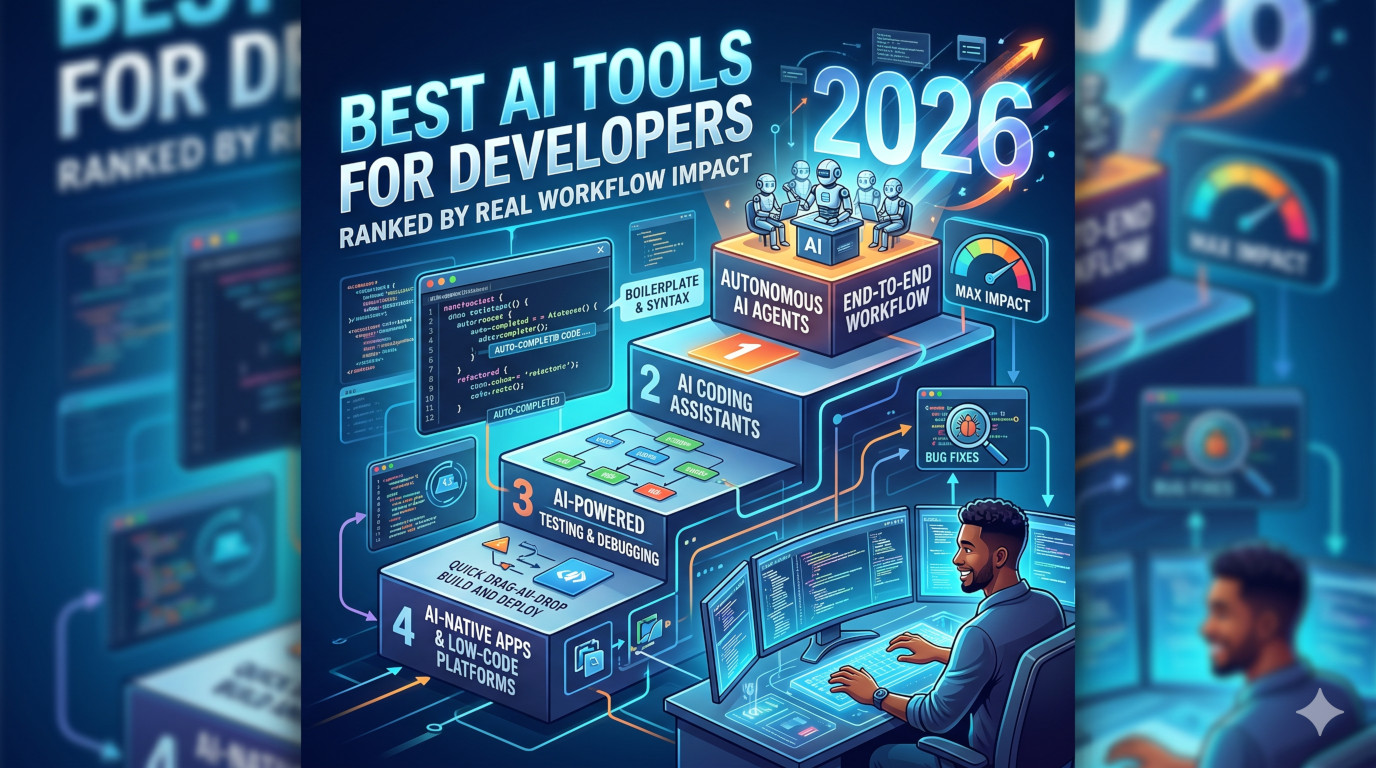
If you are searching for the best AI tools for developers in 2026, there is no single winner. The right tool depends on your stack, workflow style, team size, and security needs. This guide ranks the top AI coding tools that help developers ship faster and with higher code quality.
Top AI Developer Tools in 2026
- GitHub Copilot – best all-around AI coding assistant for most developers.
- Cursor – best AI-first IDE for fast implementation and refactoring.
- Claude Code – best for long, complex code reasoning and architectural changes.
- Aider – best terminal-first AI coding tool for repo-wide edits.
- Sourcegraph Cody – best for large codebase search and enterprise context.
- Amazon Q Developer – best for AWS-heavy teams.
- JetBrains AI Assistant – best for JetBrains ecosystem users.
- Codeium / Windsurf – best free-to-start Copilot alternatives.
How We Ranked These AI Tools
We scored tools using practical criteria developers care about daily:
- Code quality: Can it generate production-usable code?
- Context awareness: Can it reason across repo files and patterns?
- Workflow speed: Does it reduce context switching?
- Refactor ability: Can it safely handle multi-file changes?
- Debugging support: Does it offer useful fixes, not generic guesses?
- Security and privacy: Is it suitable for team or enterprise adoption?
- Value for cost: Is pricing justified for solo developers and teams?
1) GitHub Copilot
Best for: Developers who want strong AI support inside familiar editors.
GitHub Copilot remains the default recommendation in 2026 thanks to stable performance, tight editor integration, and solid output quality for everyday coding tasks.
Pros
- Excellent inline completion and boilerplate reduction
- Strong language coverage across web and backend stacks
- Useful for tests, docs, and repetitive implementation tasks
Cons
- Can generate plausible but wrong logic
- Not always ideal for deep architecture tradeoffs
2) Cursor
Best for: Developers who want an AI-native coding environment.
Cursor is strong for implementation speed, refactoring, and natural-language-to-code workflows with fewer switching costs.
Pros
- AI-first UX with chat and code edits in one workspace
- Strong multi-file edit support
- Fast for startup and indie developer loops
Cons
- Can feel opinionated if you prefer classic IDE workflows
- Needs prompt discipline in large repositories
3) Claude Code
Best for: Complex debugging, large refactors, and architecture-level reasoning.
Claude Code performs especially well in long-context analysis where high-quality reasoning matters more than quick autocomplete.
Pros
- Strong long-context comprehension
- Excellent at trade-off analysis and technical explanation
- Great for audits, migrations, and system cleanup
Cons
- Can be slower than completion-first tools
- Works best with clear scopes and explicit constraints
4) Aider
Best for: Terminal-first developers and git-centric teams.
Aider is practical for explicit repo changes with a transparent, code-review-friendly workflow.
5) Sourcegraph Cody
Best for: Enterprise teams with large multi-repo codebases.
Cody is strong where context retrieval and large-scale code search are critical.
6) Amazon Q Developer
Best for: AWS-first development teams.
Amazon Q Developer is valuable when your backend, infrastructure, and workflows are heavily AWS-native.
7) JetBrains AI Assistant
Best for: IntelliJ, WebStorm, PyCharm, and other JetBrains users.
It is a practical in-IDE option for teams deeply committed to the JetBrains ecosystem.
8) Codeium / Windsurf
Best for: Budget-conscious developers and teams testing AI adoption.
Both are popular free-to-start options for baseline AI coding support.
Best AI Tools by Use Case (2026)
- Best overall: GitHub Copilot
- Best AI IDE: Cursor
- Best for deep reasoning: Claude Code
- Best terminal workflow: Aider
- Best for enterprise context: Sourcegraph Cody
- Best for AWS teams: Amazon Q Developer
- Best for JetBrains users: JetBrains AI Assistant
- Best free-to-start option: Codeium / Windsurf
Recommended AI Stack for Most Developers
- Copilot or Cursor for daily coding speed
- Claude Code for hard debugging and large refactors
- Aider for explicit terminal-level control
This stack balances speed, accuracy, and maintainability.
Common Mistakes When Using AI Coding Tools
- Accepting generated code without tests
- Using vague prompts without constraints or expected output
- Skipping security review for auth, billing, and data access code
- Treating AI as a replacement for understanding
Better approach: work in small verifiable increments, request tests, and apply the same code review standards to AI-generated code.
AI Coding Tools Pricing Comparison Table
| Tool | Free Tier | Individual / Pro Tier | Team / Enterprise Tier | Key Consumption & Feature Details |
|---|---|---|---|---|
| GitHub Copilot (Best All-Around) | 2,000 completions/mo + 50 premium requests | Pro: $10/mo (300 premium requests); Pro+: $39/mo (1,500 premium requests) | Business: $19/user/mo; Enterprise: $39/user/mo | Usage-Based (June 2026): Autocomplete free; chats/agents use monthly AI Credits ($1 subscription = $1 credit); overages $0.04/request |
| Cursor (Best AI-First IDE) | Hobby: limited Tab completions + limited Agent requests | Pro: $20/mo (500 fast requests, unlimited slow); Pro+: $60/mo; Ultra: $200/mo | Business/Teams: $40/user/mo | Credit-based fast requests for frontier models (GPT-4o, Claude 3.5 Sonnet); includes multi-file Composer agent mode |
| Claude Code (Best Deep Reasoning) | No standalone free tier (included in Claude plans) | Pro: $20/mo; Max 5x: $100/mo; Max 20x: $200/mo | Team Premium: $100/seat/mo + API usage | Token-metered CLI for agentic repo tasks; usage pulls from subscription pools or pay-per-token API |
| Aider (Best Terminal-First) | 100% free (open-source CLI) | BYOK: no subscription fees | Enterprise advisors: custom consulting starting at $300/mo | Pure API-cost model (OpenAI/Anthropic/DeepSeek, etc.); token-efficient framework |
| Sourcegraph Cody (Best Enterprise Search) | 50 chats/day (public repos only) | Cody Pro: $12/mo (unlimited chats, local private repos) | Enterprise Starter: $19/user/mo; Enterprise: $59/user/mo or ~$16K/yr base | Context graph indexes multi-repo enterprise context; enterprise adds compliance, custom LLMs, SSO |
| Amazon Q Developer (Best for AWS Teams) | Generous free limits for AWS Console & IDE code generation | Pro: $19/user/mo | Pro tier flat fee: $19/user/mo (individual/business usage) | AWS-focused diagnostics in Lambda/EC2; includes 4,000 LOC allotment for Java/.NET upgrades |
| JetBrains AI Assistant (Best for JetBrains Users) | 3 credits/mo + unlimited autocomplete | AI Pro: $10/mo; AI Ultimate: $30/mo | Commercial Pack: $720/user/year | Deep semantic indexing for Java/Kotlin/Python; includes Junie autonomous developer agent |
| Codeium / Windsurf (Best Free-to-Start) | 25 credits/mo + unlimited fast Tab completions | Pro: $15/mo (500 prompt credits) | Teams: $30/user/mo; Enterprise: $60/user/mo | Cascade orchestrator uses hybrid monthly/credit model; free tier includes 1 sandbox web app deployment/day |
Critical Buying Takeaways
- If you are a solo developer on a budget: GitHub Copilot Pro ($10/mo) remains the most affordable mainstream option, while Aider paired with a cost-effective API key (like DeepSeek) gives you complete granular cost management.
- If you love Agentic multi-file workflows: Cursor Pro ($20/mo) and Windsurf Pro ($15/mo) offer the lowest pricing overhead for full workspace chat interfaces and standalone AI agents.
- If you operate at Enterprise scale: Sourcegraph Cody and Amazon Q Developer offer flat seat allocations that integrate smoothly with centralized cloud identity management and deep security compliance.
My real-world usages of Copilot Pro as backend developer, mostly PHP and Python.
FAQ: Best AI Tools for Developers in 2026
What is the best AI tool for coding in 2026?
For most developers, GitHub Copilot remains the safest all-around choice. Cursor is excellent for AI-first workflows, and Claude Code is strong for deep reasoning tasks.
What are the best free AI tools for developers?
Codeium and Windsurf are widely used free-to-start options for individuals and early-stage teams.
Which AI tool is best for large codebases?
Sourcegraph Cody is a strong fit for enterprise-scale repositories and cross-repo context retrieval.
Can AI tools replace software developers?
No. AI tools amplify developers, but architecture, judgment, ownership, and product decisions remain human responsibilities.
Final Verdict
The best AI tools for developers in 2026 are about workflow fit, not hype. Start with one core tool, add depth where needed, and optimize for shipping speed without sacrificing code quality.
Leave a Reply
You must be logged in to post a comment.